


Cold fingers can make a long computer session feel less comfortable.
🖱️Desktop Mouse Hand Warmer – Open-Arch Hand Heater for Work & Gaming
🖱️Desktop Mouse Hand Warmer – Open-Arch Hand Heater for Work & Gaming
Regular price
$49.99
Regular price
$49.99
Sale price
$99.98
Unit price
per
BUNDLE & SAVE
Couldn't load pickup availability
-
Ordered
- - -
Order Ready
- - -
Delivered

🖱️Desktop Mouse Hand Warmer – Open-Arch Hand Heater for Work & Gaming
Regular price
$49.99
Regular price
$49.99
Sale price
$99.98
Unit price
per
Cozy Desk Club · Cold Weather Comfort
Cold Mouse Hand? Give It a Cozy Little Place. 🖱️🔥
The office feels cold. Your fingers feel colder. But the emails, projects and games aren't going anywhere. Bring a little warmth to the hand that stays on your mouse with a desktop warmer designed around your everyday workspace.
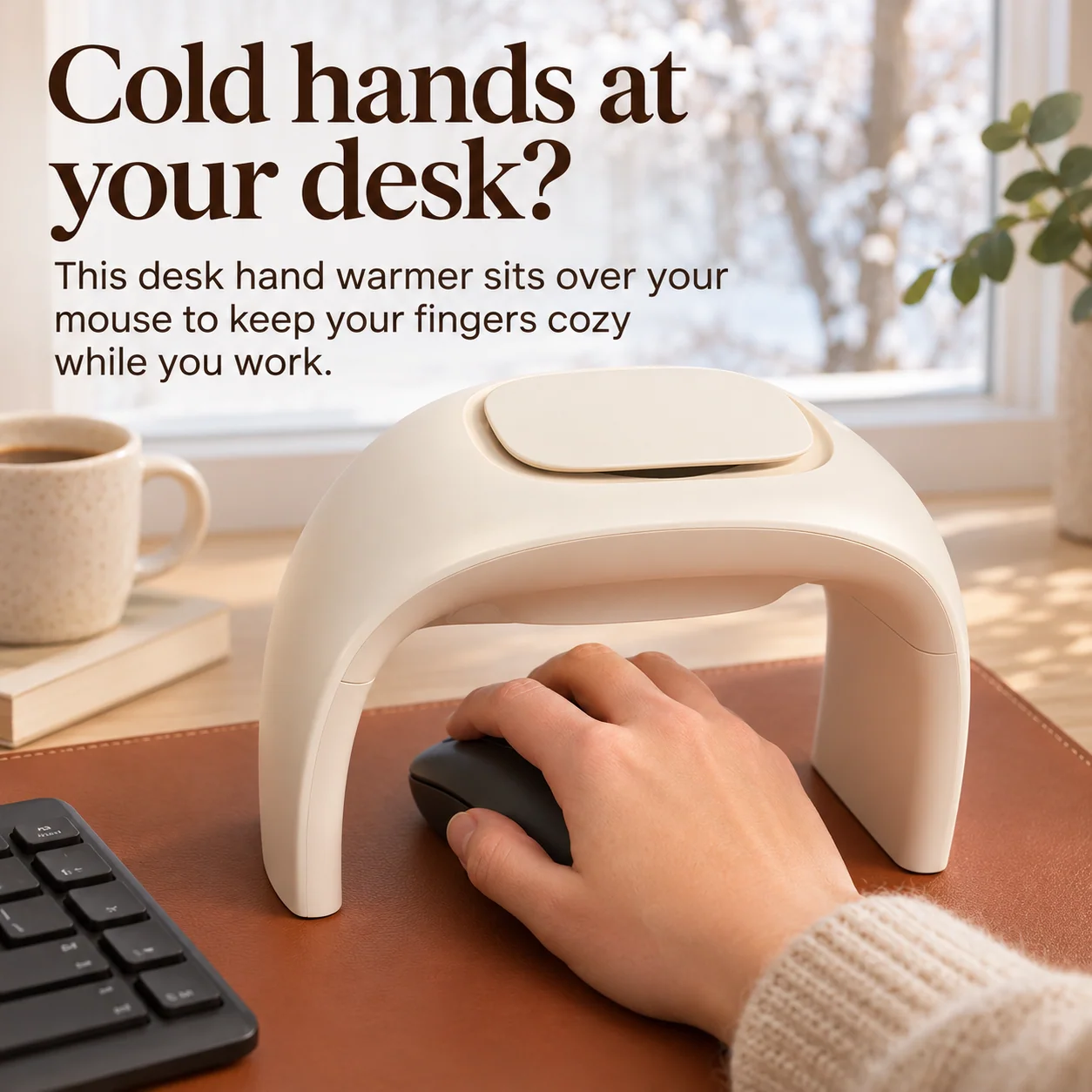
🔥 Warmth for Your Mouse Hand
🖱️ Open Space to Click & Scroll
✨ Soft, Minimal Desk Design
01 / The Cold Office Problem
Your Office Can Feel Fine. Your Mouse Hand Can Still Be Freezing.
One hand stays busy on the keyboard. The other sits on the mouse, getting chilly as the day goes on.
Give that mouse hand its own warmer space without changing the rest of your desk.
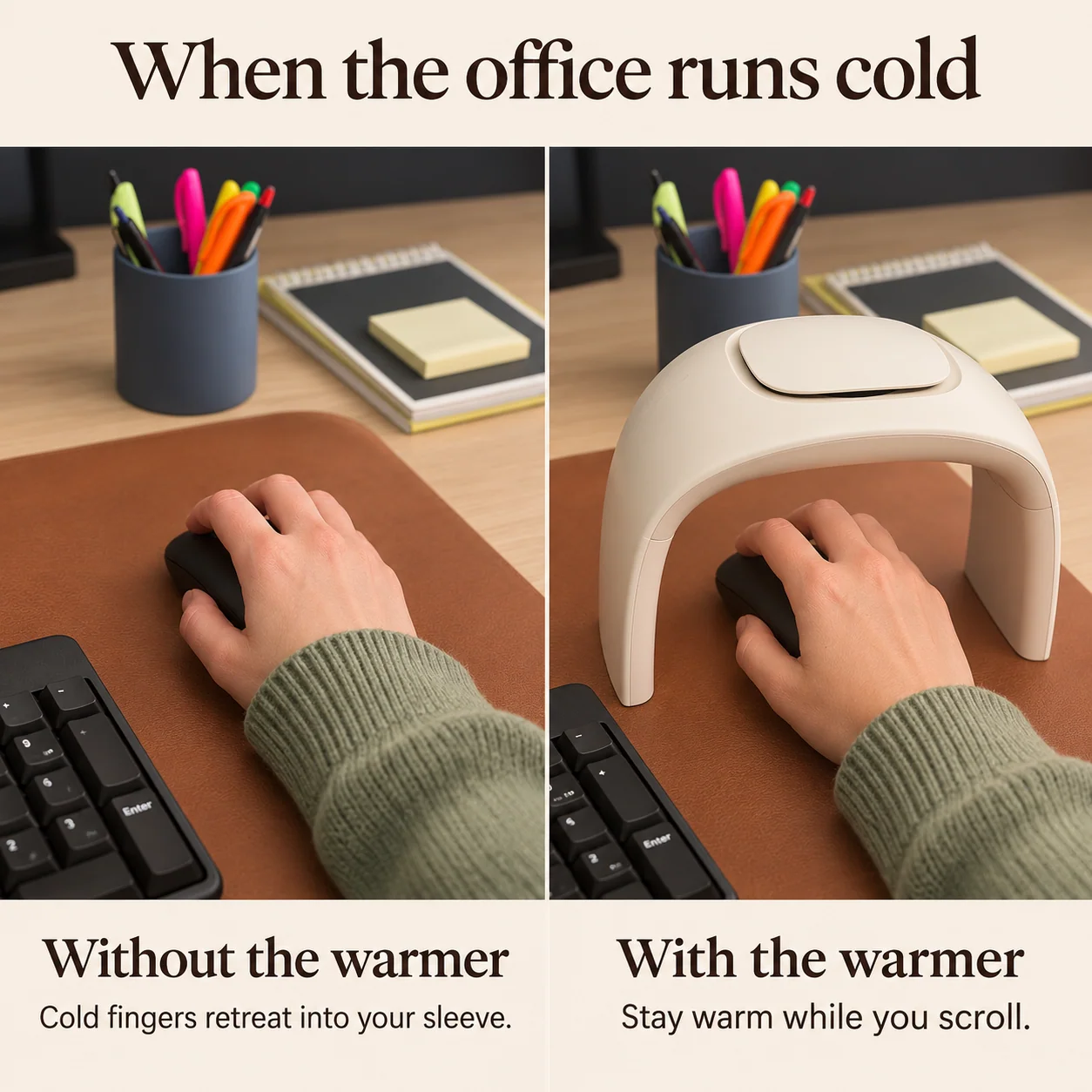
Create a dedicated warming space around the mouse for chilly desk days.
02 / Made Around Your Mouse
Stay Cozy. Keep Clicking.
A hand warmer shouldn't get in the way of the work you're doing.
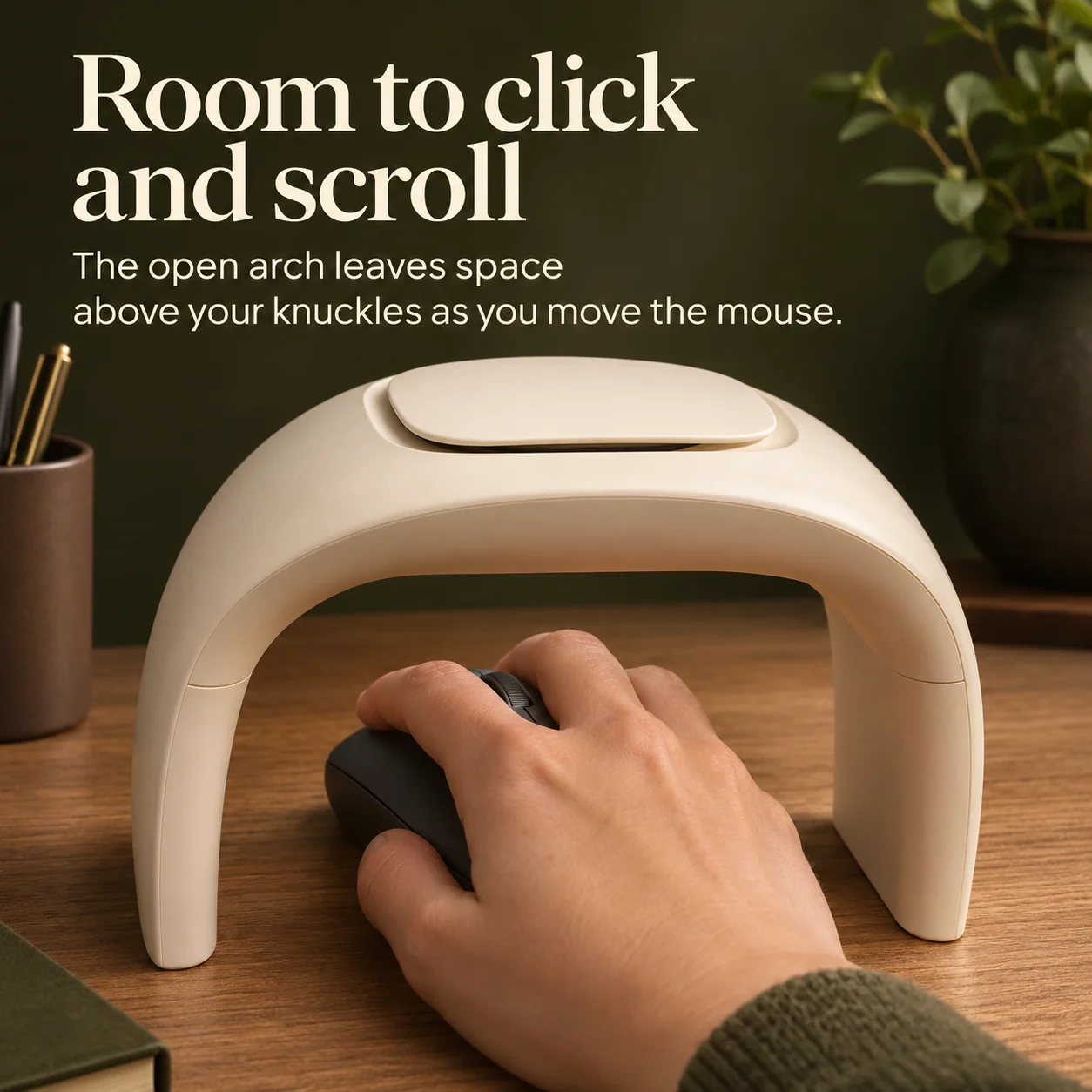
That's why this design uses an open arch.
Your mouse sits underneath the raised curved structure.
Slide your hand through the opening and continue using your mouse.
The space above your knuckles helps preserve natural clicking and scrolling movement.
Warmth right where
your hand spends
the working day.
03 / Designed for Beautiful Workspaces
Cozy Comfort. Beautifully Simple Design.
Not every desk accessory needs to look like another gadget.
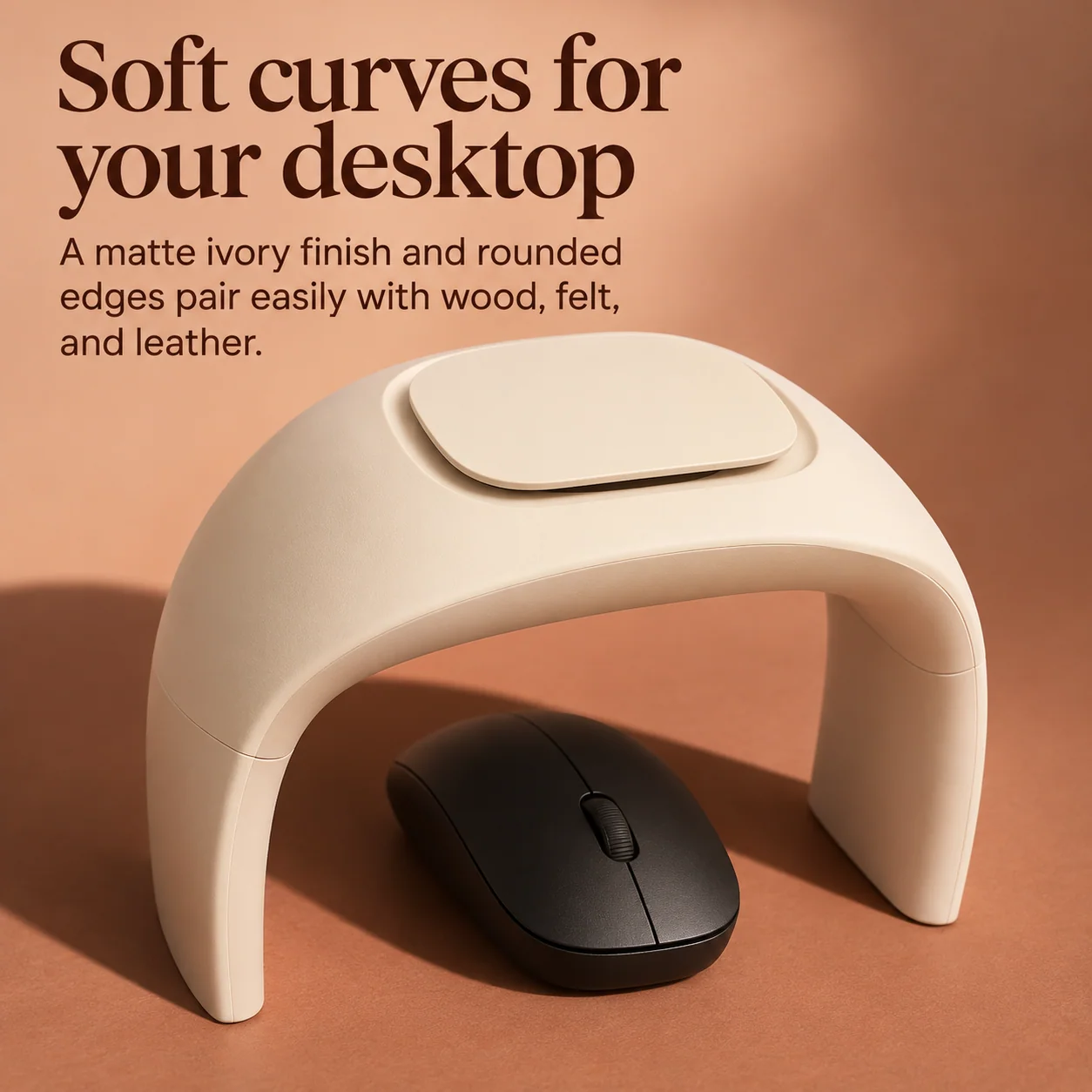
This warmer features a soft matte ivory finish.
Rounded corners and a smooth curved profile give it a clean, minimal look.
It pairs naturally with wood desks, warm-toned mouse pads, felt surfaces and neutral accessories.
Everyday comfort that looks at home in your workspace.
A warm little touch
that blends into
your everyday setup.
04 / Fits Into Your Existing Routine
Your Mouse Stays. The Cozy Arch Goes Over It.
You don't need to rearrange your entire desk.
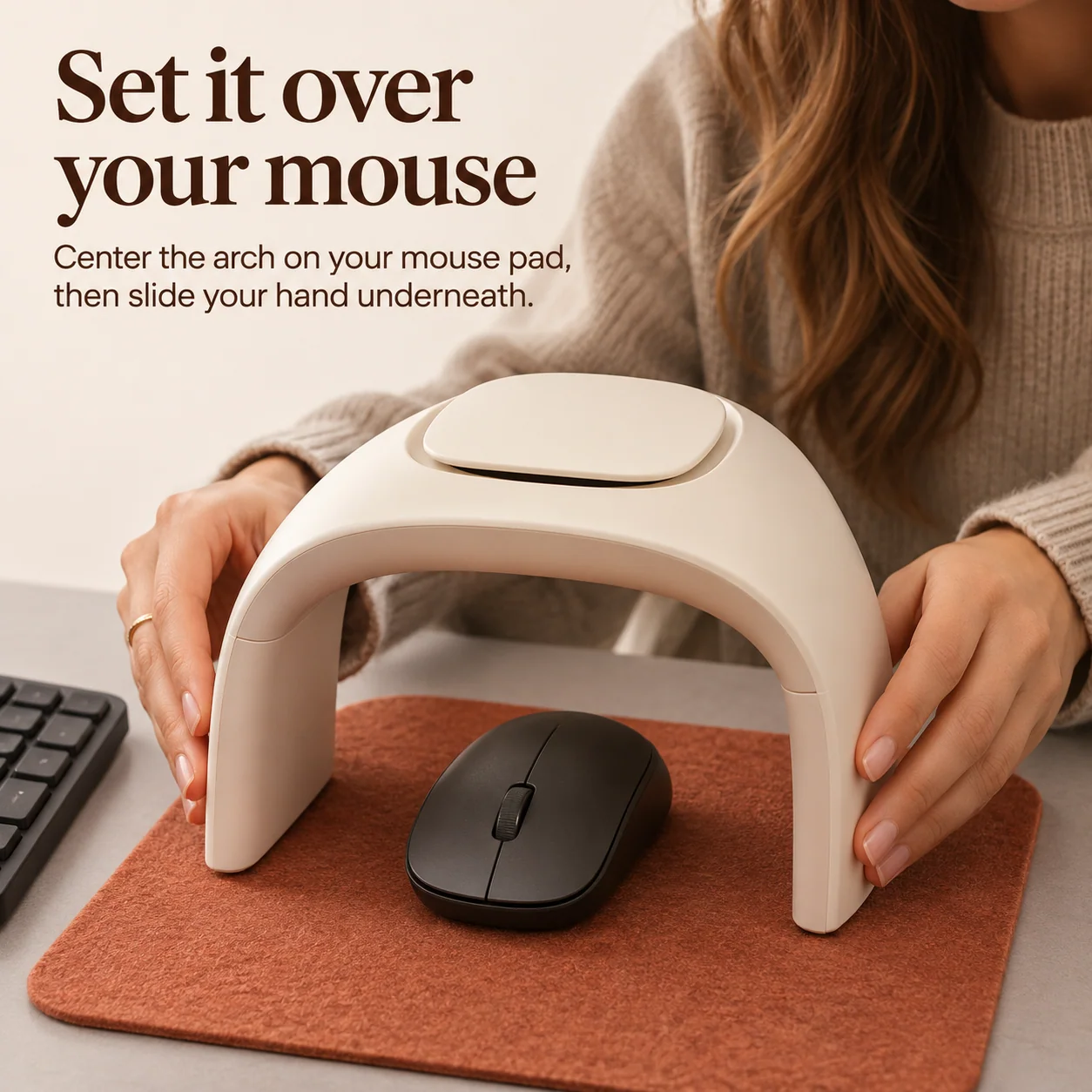
Simply position the open arch around your regular mouse area.
Keep the mouse underneath and slide your hand into the opening.
Leave enough room for your mouse to move freely.
Then enjoy a warmer little workspace while you click, scroll and work.
A simple addition
to the desk
you already love.
Your Cozy Desk Routine
Place. Slide In. Get Back to Work.
Choose Your Mouse Area
Find a flat, stable space beside your keyboard.
Position the Arch
Center the warmer over the mouse area, leaving room for movement.
Slide Your Hand Underneath
Hold the mouse naturally within the open arch.
Enjoy Your Cozy Desk Zone
Operate the warmer as directed and continue clicking, scrolling or working.
05 / For Chilly Workspaces
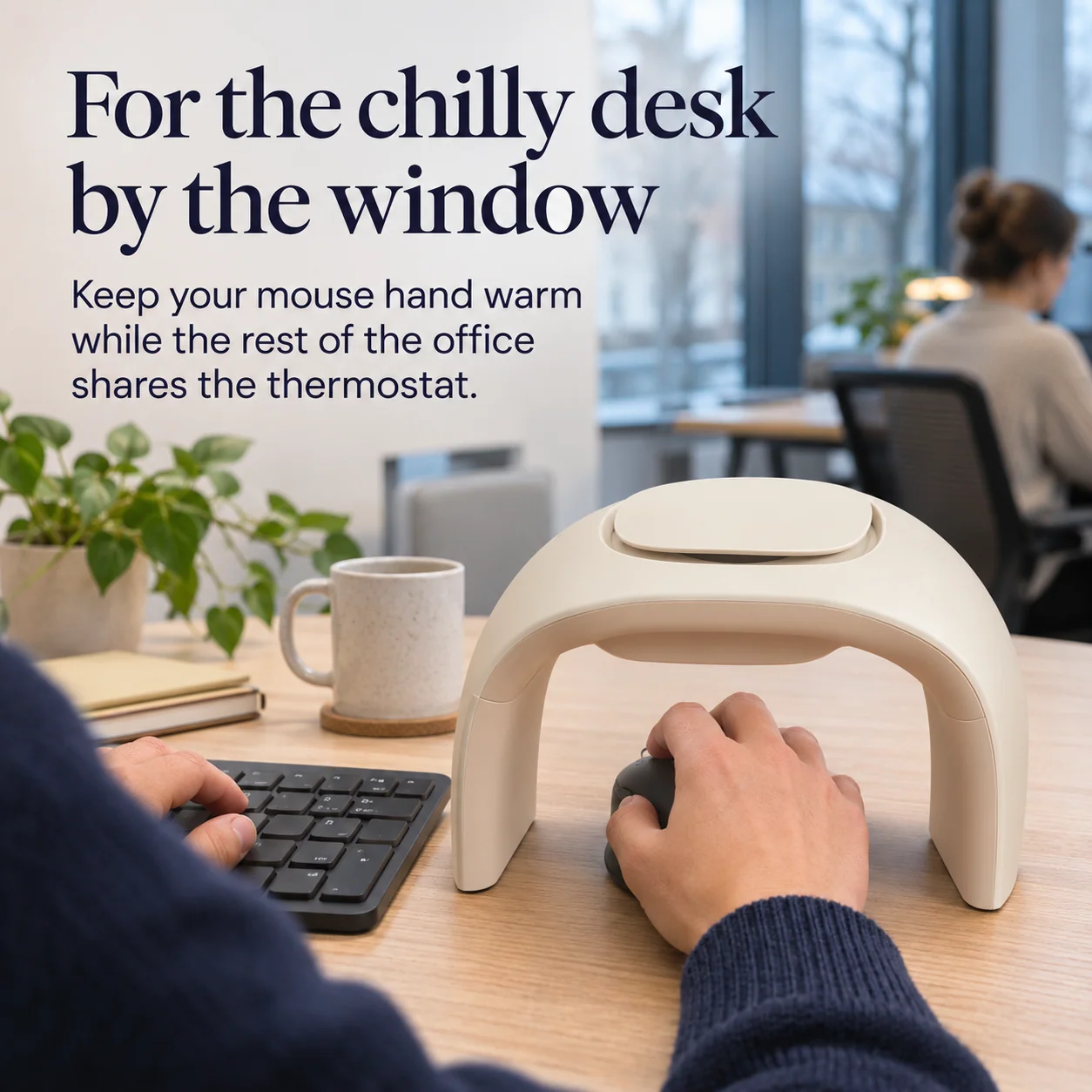
When You Can't Change the Office Thermostat.
The office air feels chilly.
Your desk sits near a cold winter window.
But you're still working through emails, spreadsheets and daily tasks.
Create a more comfortable spot for the hand that stays on the mouse.
From home offices to shared workstations, a small desk comfort can make cold days feel more pleasant.
Your workspace.
Your mouse.
Your cozy little corner.
06 / A Thoughtful Desktop Layout
A Cozy Mouse Zone. Room for Everything Else.
Keep your keyboard where you like it.
Leave your notebook within reach.
Enjoy your favorite mug of coffee during the workday.
The warmer sits around your mouse instead of enclosing the whole desktop.
Its open shape allows you to keep the surrounding workspace organized.
A dedicated place for your mouse hand, without taking over the entire desk.

07 / A Gift for the Always-Cold Friend
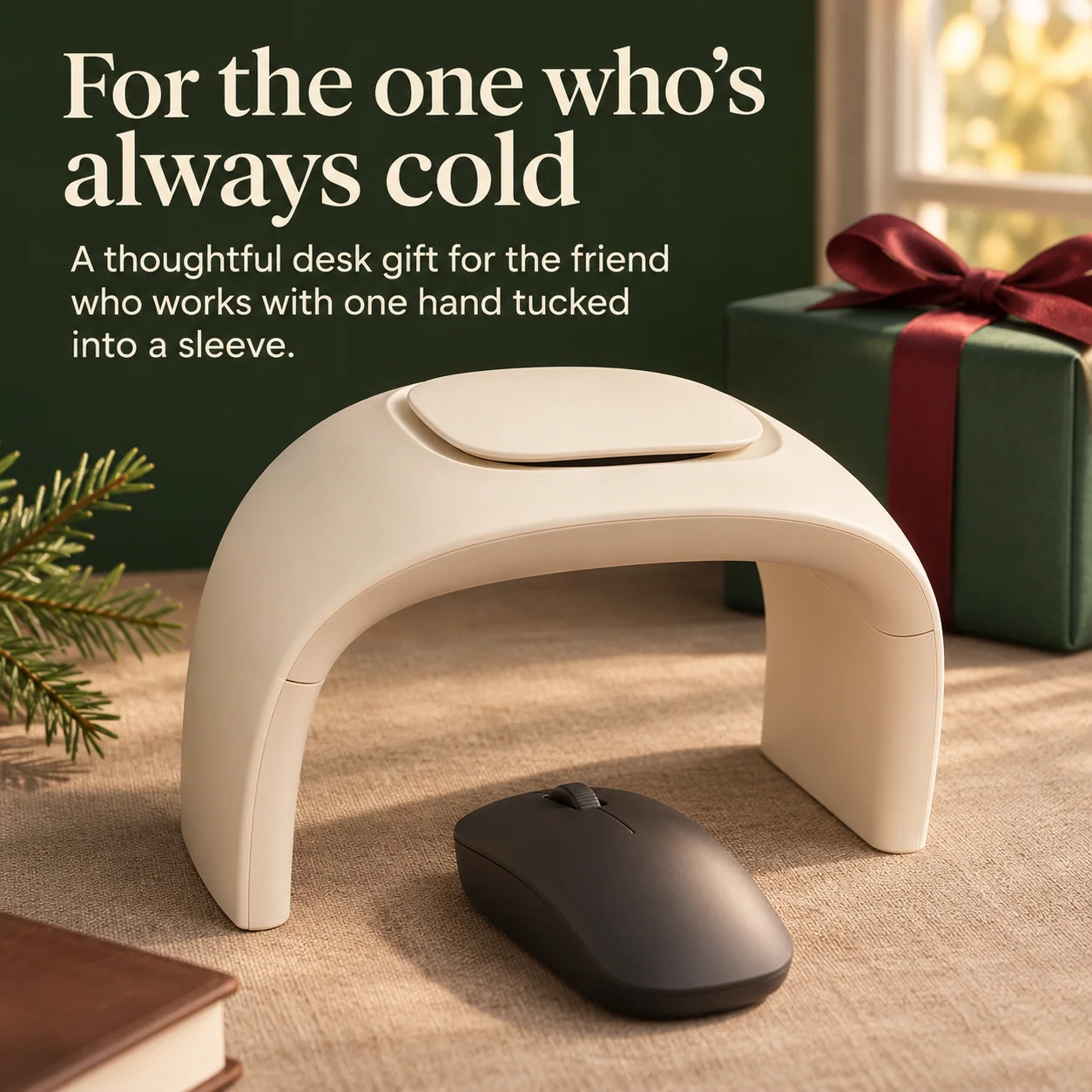
Know Someone Whose Hands Are Always Cold? 🎁
Everyone knows someone who keeps pulling their sweater sleeves over their hands.
A coworker in a chilly office.
A friend working from home beside a window.
Or someone who loves spending time at a computer.
Give them a thoughtful desk accessory that focuses on one familiar cold-weather problem.
A little everyday comfort
can make a
surprisingly thoughtful gift.
Product Highlights
A Simple Desk Accessory. A More Comfortable Workday.
Creates a warmer little zone around the hand you use for clicking and scrolling.
The raised structure leaves room beneath it for your mouse and working hand.
Smooth, rounded styling pairs with modern and cozy desk setups.
A comfortable desktop addition for computer use on chilly days.
Place the arch over your mouse on a suitable flat surface.
A practical present for remote workers, students and computer enthusiasts.
Product Information
Desktop Mouse Hand Warmer at a Glance.
| Product Type | Desktop Mouse Hand Warmer |
|---|---|
| Primary Purpose | Warmth Around the Mouse-Hand Area |
| Structure | Raised Open-Arch Design |
| Color | Matte Ivory |
| Exterior Style | Smooth Curves, Rounded Edges and Minimal Finish |
| Mouse Placement | Underneath the Open Arch |
| Hand Position | Hand Operates the Mouse Inside the Open Space |
| Suggested Use | Home Offices, Office Workstations, Study Desks and Computer Gaming |
| Placement | Stable, Dry Desktop or Suitable Mouse Pad |
| Recommended Care | Keep Dry, Allow to Cool Before Cleaning and Follow the Operating Instructions |
Keep Your Cozy Desk Comfortable
A Little Warmth. A Little Everyday Care.
Place the warmer on a stable, dry desktop.
Keep the opening clear so your hand can move comfortably.
Avoid covering the warmer with clothing, paper or other objects while operating.
Turn it off and let it cool before cleaning or moving it into storage.
Comfort and safety:
Follow the operating instructions.
Keep the device away from water,
children and pets.
Do not use damaged equipment
or leave the warmer running
unattended.
Good to Know
Frequently Asked Questions
What is a desktop mouse hand warmer?
It is a desktop warming accessory designed to sit over your mouse area. The open arch creates a warmer space around the hand you use for computer work.
Can I still click and scroll normally?
Yes. The open-arch design leaves a space beneath the warmer for your mouse and hand. Position it so you have enough clearance for comfortable movement.
Does this replace my computer mouse?
No. The warmer is a separate desk accessory. Your computer mouse stays underneath the arch while you use it.
How do I position it on my desk?
Center the open arch over the area where you normally use your mouse. Slide your hand underneath and keep enough room to move, click and scroll.
Is it suitable for home offices?
Yes. The warmer is designed for desktop use in home offices, study areas and other suitable workspaces.
Can I use it while gaming?
The open-arch design is intended for computer mouse use, including gaming. Check that your mouse and hand have enough space for your preferred movements.
What color is the hand warmer?
The product features a soft matte ivory appearance with smooth, rounded curves.
Will it work beside my keyboard?
Yes. The warmer is designed to occupy the mouse area while leaving the rest of your desk available for other items.
Is it a good winter gift?
It can be a thoughtful gift for remote workers, students, office colleagues and anyone who spends time using a computer in chilly conditions.
How should I care for the warmer?
Follow the supplied operating and care instructions. Keep the device dry, maintain a clear working space and allow it to cool before cleaning.
Cold Office · Cozy Mouse Hand
Make Cold Workdays A Little More Comfortable. 🖱️🔥
A soft ivory finish. An open arch designed around your mouse. A warmer space for your working hand. Keep clicking. Keep scrolling. Make the desk you use every day feel a little cozier.
Get Your Desktop Hand Warmer 🔥


